
Availability
Overview
Birdview allows you to annotate images you upload to a message board. It's a great way to communicate your ideas, critical remarks, improvement proposals, etc. Instead of describing your suggestion in words, it's sometimes far more effective to show what you mean directly on the image.
How image annotation works
To annotate an image:
Go to the message board with the image to be annotated.
Open the image preview by clicking on the image.
Click on the area you want to annotate. This will open up a dialog box.
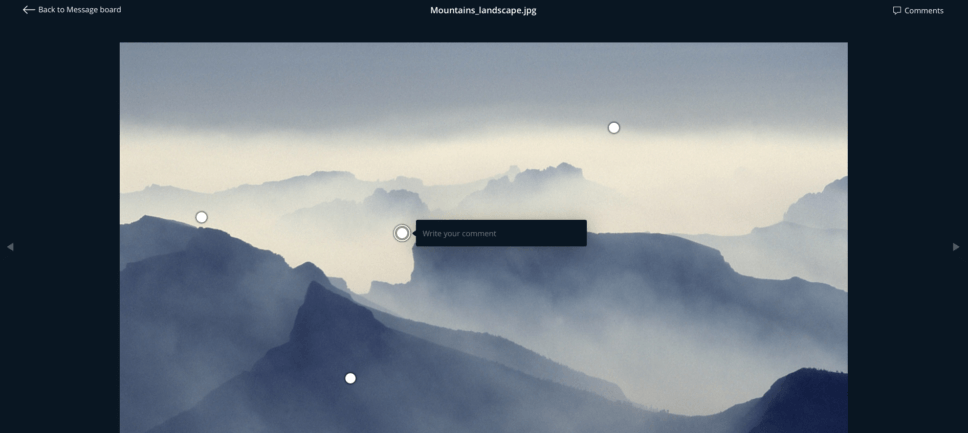
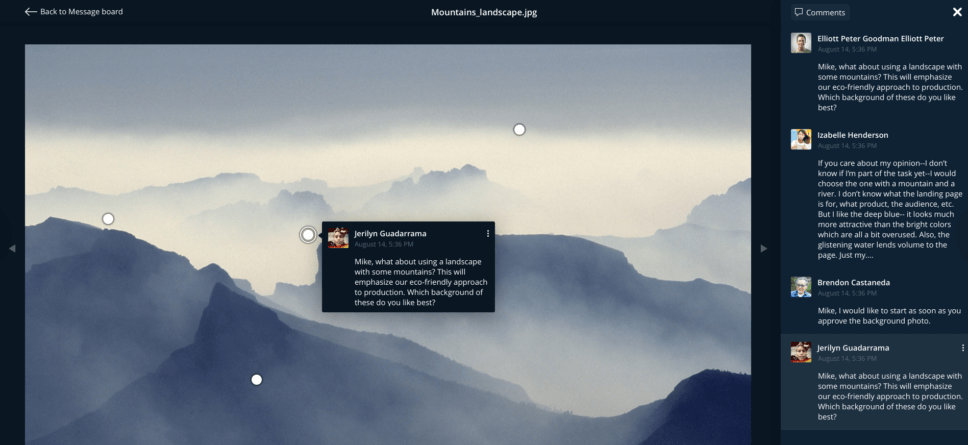
Type in your comment. You should see your annotation (as well as other users’ ones) in a sidebar to the right of the image.
When you leave the image preview, annotations will be displayed on the message board as a gray callout beneath the image.
Notifying about annotations
Annotations you make are treated the same way as uploaded messages, and thus governed by the same notification rules as messages added.
Searching for annotations
You can search for annotations using Global search.